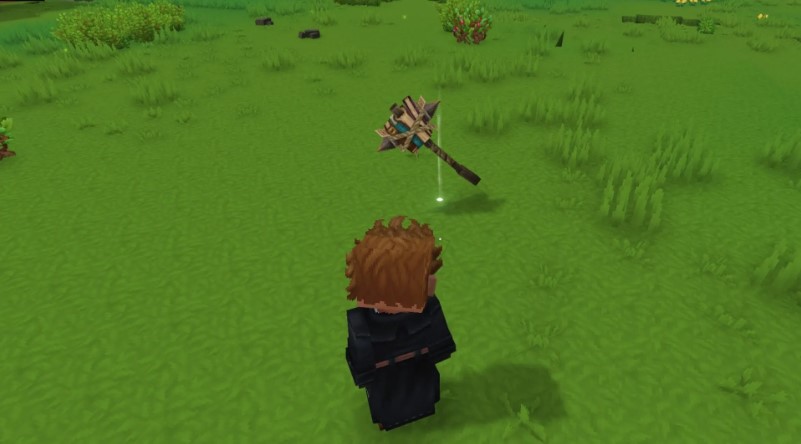
In Hytale , the question of how to get rid of unwanted loot, outdated weapons, armor, or broken tools quickly arises, as there is no easy way to delete them in the game.
Luckily, there are several methods for getting rid of clutter. This guide covers all possible methods for disposing of items.
How to destroy items in Hytale
There are three ways to delete items in Hytale:
- Drop items in the open world.
- Use the Recycler’s Workbench.
- Use the Trash Can mod.
Throwing away objects
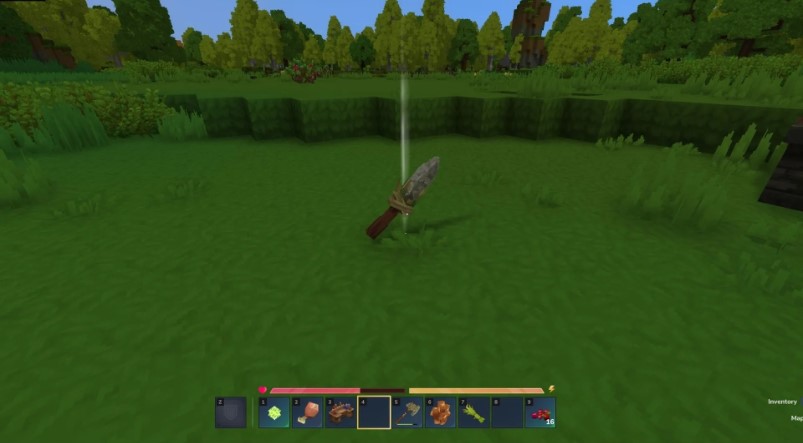
If you drop an item in the open world and don’t pick it up, it will disappear after a certain amount of time . This means you can simply leave unwanted items or tools with zero durability anywhere and forget about them.
Experiments show that it takes 8-10 minutes for an item to disappear in the open world. This also applies to mined ore: if you destroy an ore block and don’t collect the dropped ore within 10 minutes, it will disappear.
Using the Recycler Workbench

| Crafting station | Recipe | |
|---|---|---|
| Recycler’s workbench | Workbench level 2 | Iron Ingot x6
Any tree trunk x5 Any stone x5 |
If you have an unwanted tool, simply place it in the Recycler’s Workbench . It will dismantle the item into base materials, returning a portion of the resources used to craft it. The Recycler’s Workbench only works with crafted tools, weapons, and armor; raw materials cannot be destroyed this way.
For example, if you place a “Rough Pickaxe” in it, you’ll get some “Scrap,” “Plant Fiber,” and “Sticks.” This is the best way to get rid of old, broken tools.
Using the Trash Can mod
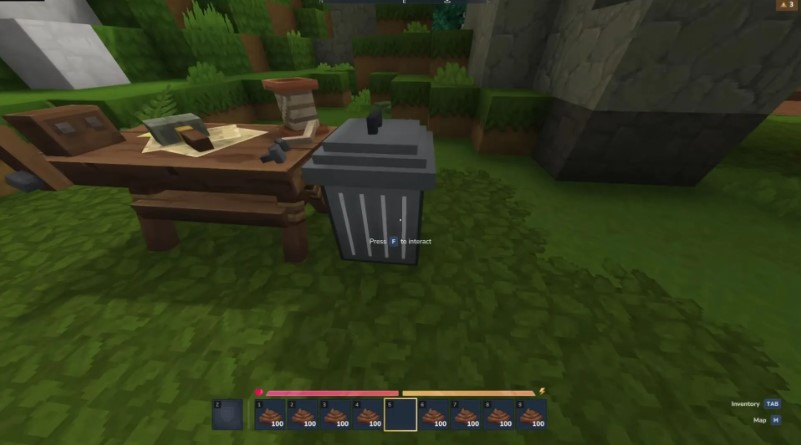
If you’re comfortable with mods, Jaredlll08’s “Simply Trash” mod adds a “Trash Bin” block to the game, allowing you to easily and effectively destroy any item. It’s the easiest way to get rid of unwanted junk.
After installing the mod, use 20 iron ingots to craft a “Trash Bin” on a workbench and place it in the world like a chest. Place any item you want to delete inside and close the interface. When you open the bin again, all items inside will be gone forever.






