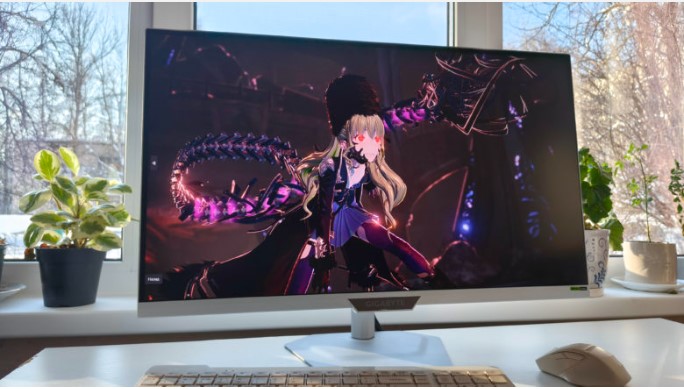
The Gigabyte M27UP ICE is a modern gaming monitor with an emphasis on high resolution, refresh rates, and an extensive set of gaming features. It offers a 4K panel with a fast SS IPS matrix, support for the latest interfaces, and advanced operating modes designed for both competitive gaming and comfortable casual gaming. Let me explain in more detail.
Technical specifications
- Matrix type: SS IPS
- Diagonal: 27 inches
- Aspect ratio: 16:9 (596.7 × 335.7 mm)
- Screen resolution: 3840 × 2160 pixels (UHD, 4K)
- Pixel pitch: 155.4 µm
- Brightness: 350 cd/m²
- Contrast ratio: 1000:1
- Viewing angles: 178°/178°
- Response time: 1 ms (GTG)
- Color depth: 10-bit (1.07 billion colors)
- Color gamut: 95% DCI-P3, 125% sRGB
- Refresh rate: up to 160 Hz (UHD), up to 320 Hz (FHD, Dual Mode)
- HDR: VESA DisplayHDR 400
- Speakers: built-in, 2 × 5 W
- Certifications: VESA DisplayHDR 400
- Mounting options: tabletop, wall-mounted (VESA bracket 100 × 100 mm)
- Warranty: 3 years
- Dimensions: 612 × 515 × 192 mm (with stand)
- Weight: 6.65 kg (with stand)
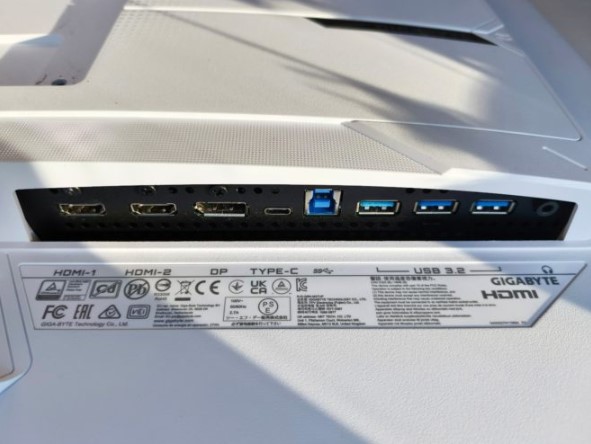
- Ports: DisplayPort 1.4 (DSC, HBR3), 2 HDMI 2.1 ports, USB Type-C port (Alternate Mode, Power Delivery up to 18 W), three USB 3.2 Gen 1 Type-A, one USB 3.2 Gen 1 Type-B, TRS 3.5 mm for headphones/headset.
Appearance and equipment
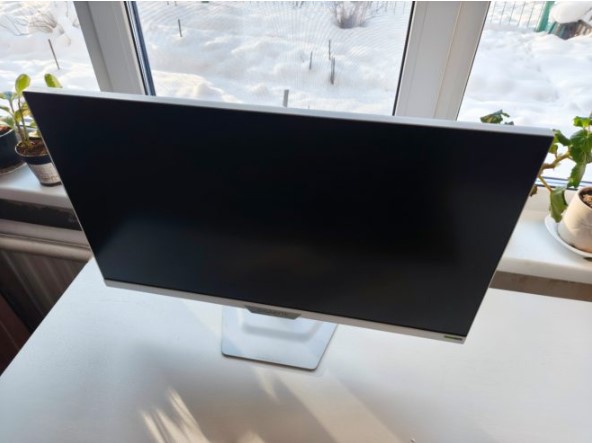
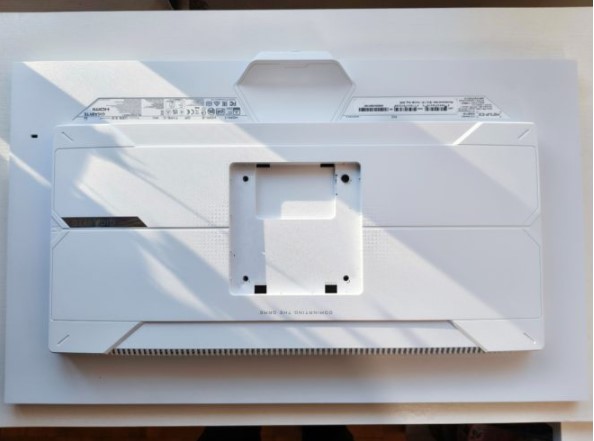
The Gigabyte M27UP ICE is a very respectable monitor, and the white version’s design is even more interesting than the black version. The ICE version boasts a more technologically advanced yet aesthetically pleasing appearance, setting it apart from typical gaming monitors. Its color scheme makes the monitor appear less bulky on the desktop. The design, however, is free of any gaming-specific pretentiousness: neat bezels, a straight-lined design on the back panel, and no aggressive elements.
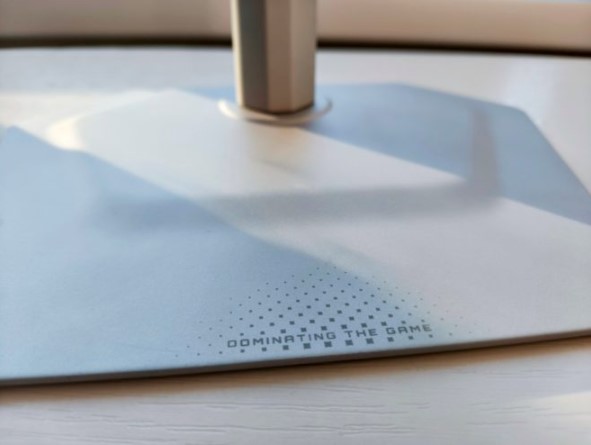
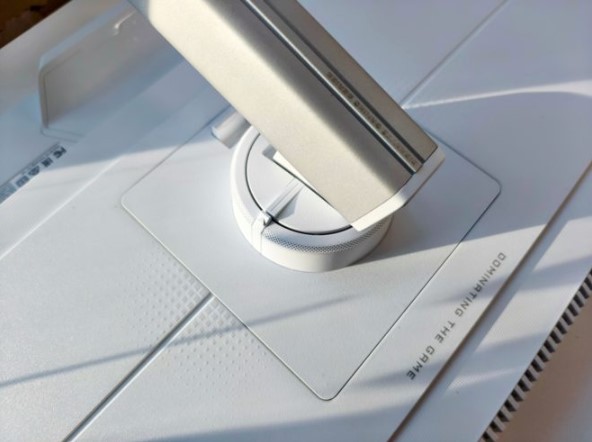
This neat metal stand features an ultra-thin base measuring just 2 mm thick and a compact footprint, leaving more desk space for peripherals. Despite its compact size, the structure feels rigid and stable. The stand mounts easily with a single click and securely attaches to the back of the monitor.
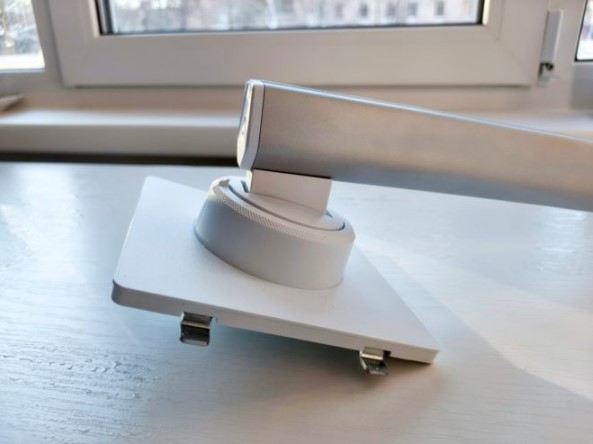
The stand’s ergonomic features meet the requirements of a modern gaming display. Height adjustment of up to 130 mm allows for precise alignment of the screen at eye level. A tilt range of -5 to +21 degrees provides ample flexibility for adapting to various seating positions and desk heights. The monitor can be flipped to a vertical position. All adjustments are smooth and play-free, and the mechanical quality is exceptionally high.
The Gigabyte M27UP ICE’s connectivity options are designed for modern signal sources and high refresh rates. Two HDMI 2.1 ports allow you to connect to the latest gaming consoles and PCs while maintaining support for high resolutions and refresh rates. DisplayPort 1.4 with DSC support is designed for full 4K performance and higher refresh rates. The USB hub includes three USB 3.2 Gen 1 ports for peripherals and a separate upstream port for connecting to a computer.
There’s also a USB Type-C port with Alternate Mode and Smart PD support. The port supports video, data, and power. The base power supply is 18W, and in dynamic mode, it can reach 45W, enough to power laptops or compact workstations without the need for a separate power supply.
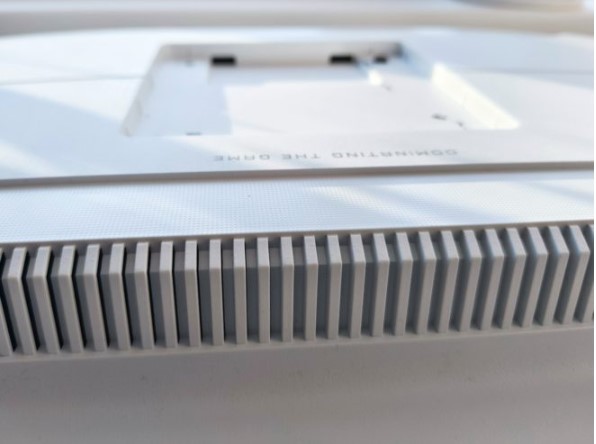
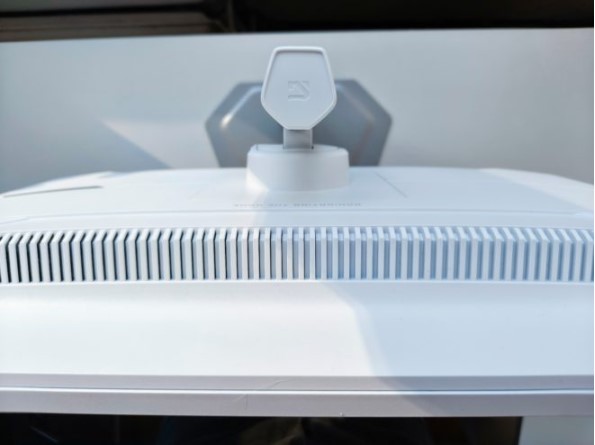
The Gigabyte M27UP ICE supports KVM functionality, allowing you to control multiple signal sources with a single keyboard and mouse connected directly to the monitor. The case design features a four-sided ventilation system for cooling internal components.
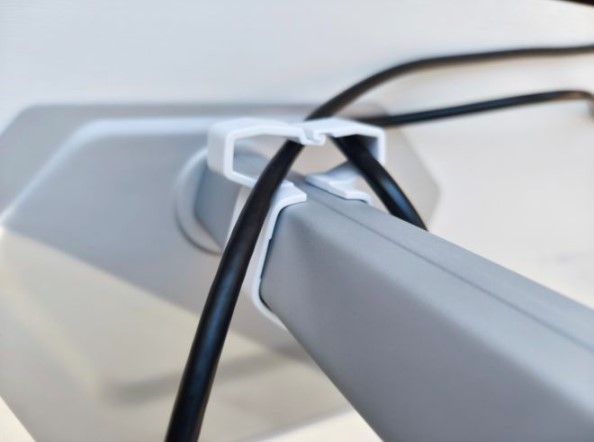
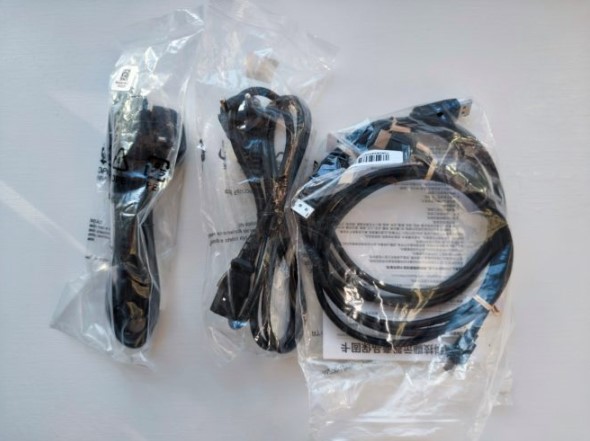
The monitor comes with a network cable, HDMI 2.1 cable, DisplayPort cable, USB cable, cable management tool, quick start guide, and warranty card.
Features and impressions
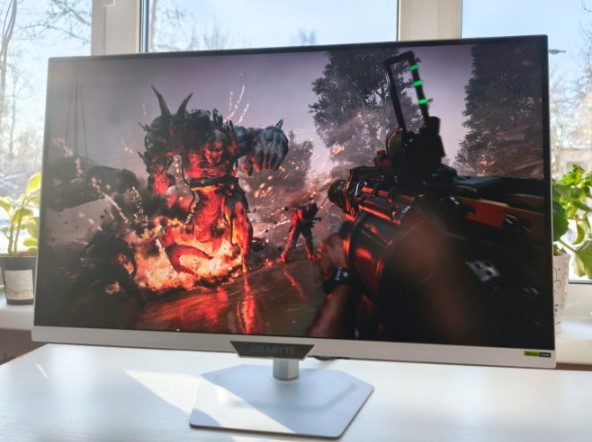
The Gigabyte M27UP ICE features a 27-inch SS IPS panel, promising excellent viewing angles, consistent color reproduction, and overall predictable image quality. The display’s diagonal size is ideal for both work and gaming at a comfortable viewing distance. The active screen area measures 596.7 x 335.7 mm.
The 0.1554 mm pixel density is standard for 27-inch high-resolution panels. Text is displayed clearly, and fine lines and small graphic elements appear accurate. Object outlines remain sharp in games, and interfaces are easily readable.
The backlight type is Edge LED, a common and well-researched solution. It doesn’t offer local dimming like more premium FALD panels, but it does provide uniform brightness across the entire screen and stable performance without noticeable artifacts in dynamic range. The display uses a matte, non-glare coating that effectively reduces reflections from external light sources, making gaming comfortable in daylight.
A brightness of 350 cd/m² is sufficient for working in a well-lit room, gaming, or viewing content. This brightness reserve allows for flexible image adjustments to suit different conditions, such as reducing eye strain in the evening. A 1000:1 contrast ratio complies with the IPS panel standard. Midtones are rendered without shadow drops or overexposed highlights. Blacks, as expected, don’t reach absolute depth, but are stable and retain fine details.
One of the Gigabyte M27UP ICE’s unique features is Dual Mode—a hardware-based feature that allows users to quickly switch between two fundamentally different panel modes. Using a dedicated button on the bottom edge of the monitor, the display switches from 4K at 160Hz to Full HD at 320Hz with a single click.
In one case, high image clarity and detail are prioritized, while in the other, maximum response time and refresh rate are emphasized. For example, in AAA titles with an emphasis on visual quality, 4K resolution at 160Hz delivers both smooth animations and detailed images. In competitive FPS games, you can switch to FHD 320Hz mode, thereby reducing the load on the graphics card and significantly increasing the frame rate. This puts the monitor in a mode designed for minimal latency and maximum responsiveness.
The manufacturer claims coverage of 95% of the DCI-P3 color space and 125% of the sRGB color space, indicating an expanded color gamut that will be noticeable not only when viewing content and gaming, but also when working with visual content. The monitor supports 1.07 billion colors, meaning it uses a 10-bit color depth, eliminating color banding in gradients and producing smooth transitions between shades. Overall, the image appears more stable and natural, even under complex on-screen effects such as volumetric fog or complex lighting.
The Gigabyte M27UP ICE panel’s performance is based on SuperSpeed IPS technology, which achieves a 1 ms gray-to-gray response time. This technology is designed to reduce motion blur without the artifacts typical of overdrive. This means less ghosting during sharp camera movements, and sharper moving objects in games. Of course, NVIDIA G-SYNC Compatible support is included, further enhancing the smoothness of the image.
I’d also like to highlight HDR support with VESA DisplayHDR 400 certification. This is a basic level of HDR that doesn’t include local dimming or extreme peak brightness, but still offers a slightly wider dynamic range than standard SDR. If a movie or game has a proper HDR implementation, the user will experience brighter highlights and better highlight detail.
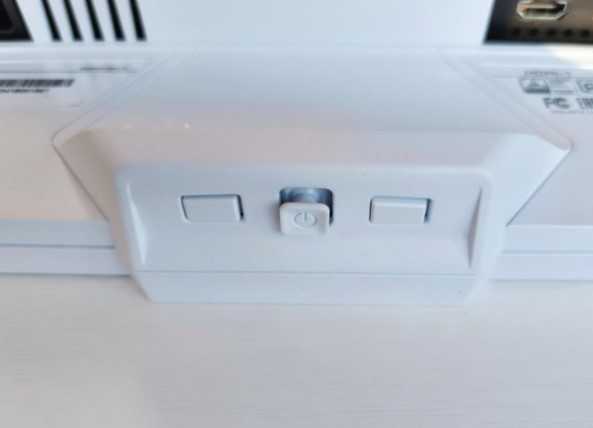
The Gigabyte M27UP ICE settings menu follows the familiar logic of modern gaming monitors, covering a full range of basic image parameters. Standard adjustments for brightness, contrast, color temperature, gamma, preset image modes, and manual color channel settings are available.
Flicker-Free technology eliminates backlight flickering, which often occurs when adjusting brightness using PWM. This system is complemented by a Low Blue Light mode, certified by TÜV Rheinland. It reduces the amount of blue light in the backlight spectrum, making it suitable for extended work sessions or nighttime gaming. The color temperature changes slightly when Low Blue Light is enabled.
I believe the most interesting menu options for seasoned gamers will be the Gigabyte M27UP ICE’s somewhat “cheat” features. For example, with Tactical Switch 2.0, players can instantly change display resolution without accessing system settings. In the context of FPS games, this can provide a practical advantage, especially when combined with the aforementioned Dual Mode.
The Smart OD feature automatically adjusts the overdrive level based on the current screen refresh rate. Unlike manual profiles, Smart OD dynamically selects optimal settings to reduce ghosting and the appearance of bright halos on high-contrast transitions, as well as maintain the clarity of moving objects at both high and variable refresh rates.
There’s AIM Stabilizer Sync, which is designed to combat annoying motion blur. The technology can automatically reduce perceived blur in fast-moving scenes. There are also the truly insidious Night Vision and Eagle Eye modes. The former allows you to literally turn on night vision in specific areas (for example, in front of your crosshair), while the latter provides zoom, up to 4x. I think I don’t need to explain the practical benefits of these options for games like CS 2.
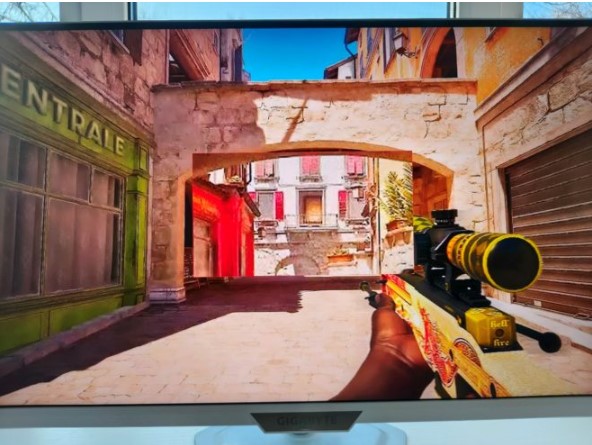
Assistance features are located in the Game Assist section. Here you’ll find customizable crosshairs, timers and countdowns, picture-in-picture and picture-by-picture modes, and additional HDR profiles.
Test results
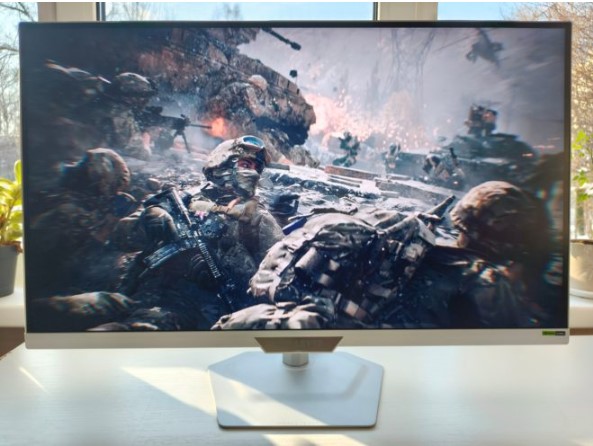
After a series of home tests, we can confirm that the Gigabyte M27UP ICE fully meets all the manufacturer’s stated specifications and has no obvious shortcomings within them. Even without specialized measuring equipment, we can confidently assess the panel’s key parameters and their compliance with the stated capabilities.
For example, viewing angles. As expected from this matrix, the image remains stable even with horizontal and vertical deviations. Colors don’t shift, contrast doesn’t collapse, and brightness decreases gradually and without any sharp transitions.
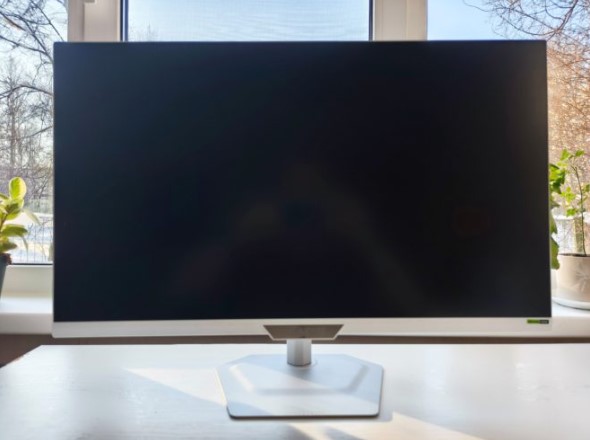
When examining the uniformity of the backlight on a black screen, it is noticeable that the brightness is distributed quite evenly: the central part of the screen appears slightly brighter, while at the edges the brightness decreases slightly, but without any noticeable spots, highlights, or sharp changes.
The monitor’s actual brightness level feels above average. Even when the brightness is reduced to a comfortable level, there’s still enough headroom for use in a brightly lit room. Meanwhile, blacks, like most IPS panels, remain a dark gray, but without a critical loss of shadow detail, which is clearly visible in games featuring night scenes.
The panel’s performance in both modes is easily assessed using standard motion tests and real-world gaming. In 4K mode at 160Hz, the image appears smooth, without stuttering and with minimal blurring. Switching to FHD 320Hz, the monitor demonstrates a distinctly competitive edge, with incredibly sharp motion and lightning-fast response times.
Overdrive operation also remains unaffected. In automatic Smart OD mode, the monitor correctly adjusts to the current refresh rate. In most scenarios, it effectively reduces ghosting behind moving objects. In some situations, a slight light trail may be noticeable on high-contrast transitions, but it doesn’t interfere with gameplay. If you’re also bothered by adjusting overdrive settings for each mode, Smart OD is one of the most practical options.
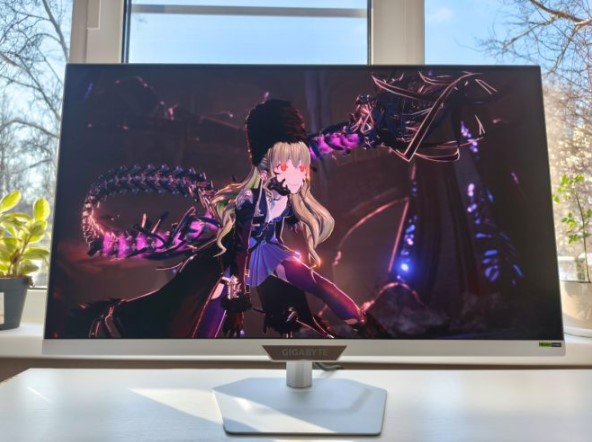
Color reproduction appears perfectly calibrated out of the box. In standard modes, the image doesn’t lean either too cool or too warm, and white balance looks natural. There’s no sense that the monitor requires manual calibration for comfortable gaming. The Gigabyte M27UP ICE’s factory settings are exceptionally well-executed.
Conclusion
The Gigabyte M27UP ICE is a feature-rich gaming monitor combining 4K resolution, a high refresh rate, and a fast IPS panel response time. It features a full suite of modern interfaces, supports modern gaming standards, offers advanced ergonomic adjustment options, and supports entry-level HDR. Its only drawback is the rather unfavorable placement of the ports—they’re recessed and positioned high, making cable management a bit awkward.
Its overall characteristics make it a versatile solution for gaming, work, and multimedia tasks. However, in gaming scenarios, the monitor is complemented by a set of specialized features, including a high refresh rate, low latency, adaptive sync, and auxiliary gaming tools that significantly enhance convenience and provide a fundamentally new level of control.
- Excellent image quality
- High response speed and hertz
- Nice design and compact dimensions
- Many useful gaming features
- Not the best placement of connection interfaces







