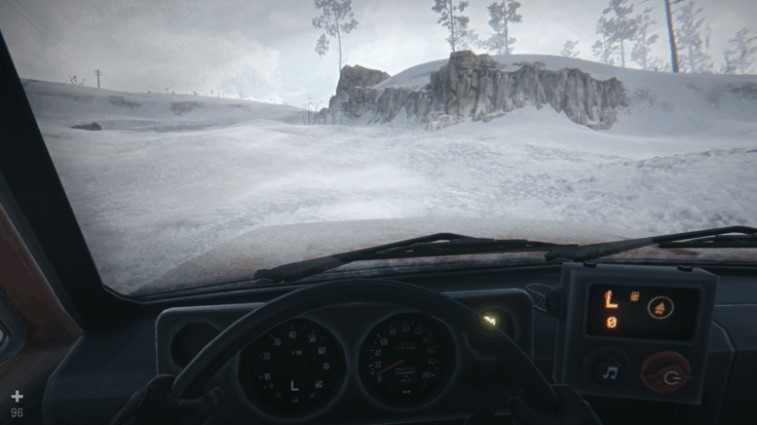
While playing through Chapter 3 (and beyond) of Hail to the Rainbow, many gamers will encounter a problem: the game doesn’t explain well what to do if the car starts to slip. It’s actually quite simple, and we’ll cover it in more detail in the article below.
So, if you notice your car starting to slip and perform poorly, you’ll need to downshift. Downshifting is the only gear available, allowing the car to travel at a limited speed but avoid slipping and handle any obstacle.
The Shift and CTRL keys are used to change gears. The gears are arranged in the following order:
- L
- R
- N
- 1
- 2
- 3
- 4
You’re interested in L gear, so you need to press the CTRL key several times until the letter L appears. Then, drive forward while holding down the W key. You don’t need to change anything else.






