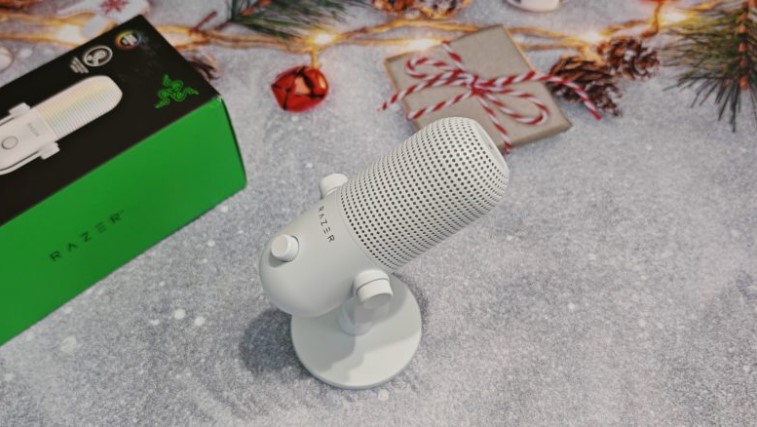
The third-generation Razer Seiren microphone features beautiful lighting that responds to gameplay and streaming, intuitive controls, and built-in technologies that deliver clear, detailed, and noise-free audio. We’ll cover any shortcomings in our review.
Technical specifications
- Sampling frequency: 96 kHz
- Bitrate: 24
- Capsules: 16mm condenser capsule
- Polar pattern: supercardioid
- Frequency range: 20 Hz to 20 kHz
- Sensitivity: –34 dB (1 V/Pa at 1 kHz)
- Max. sound pressure level (SPL): 110 dB
- Signal-to-noise ratio: 96 dB (A-weighted)
- Connection: wired via USB Type A to Type C cable
- Backlight: RGB
Equipment and design
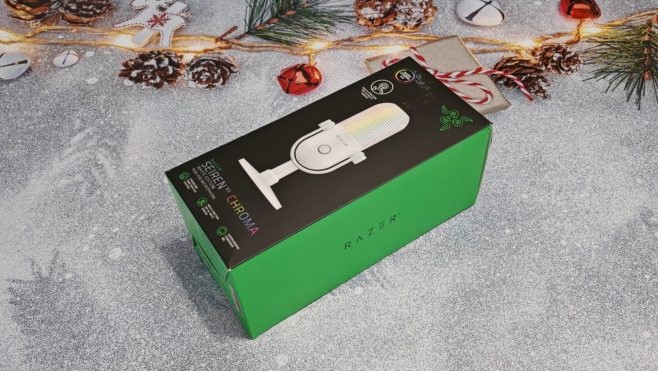
The microphone comes in an oblong cardboard box with a picture of the model, a list of the main features and technical specifications, which include a multi-functional touch button, a supercarrier polar pattern, plug and play compatibility with a PC, and so on.
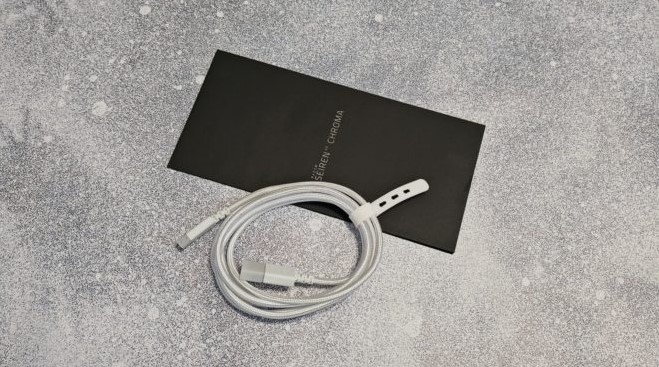
Inside you’ll find the Razer Seiren V3 Chroma microphone, a microphone stand, a braided USB-A to USB-C cable, a user manual, and stickers. The kit is minimalist, but sufficient for operating the device.
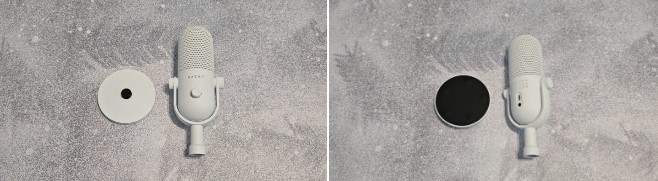
The device has a body in the form of an elongated “tablet”, visually divided into two halves: the lower one is solid, while the upper one has perforations through which the backlight lights shine .
The front of the body houses a rotary knob for adjusting the recording volume. On the back is a USB-C port for connecting to a PC and a 3.5mm jack for connecting headphones and monitoring recording quality in real time.
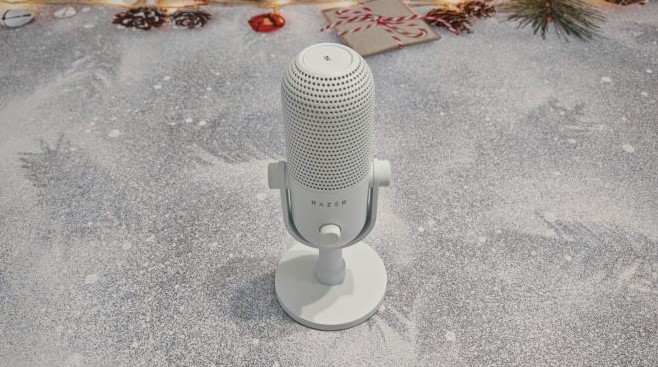
At the top is a touch button that supports a number of gestures, including muting the microphone, switching backlight effects on and off, switching between microphone gain and monitoring volume, and resetting settings. At the bottom, covered by a plug, is a threaded hole: the microphone can be detached from the included U-shaped mount and mounted on a third-party bracket.
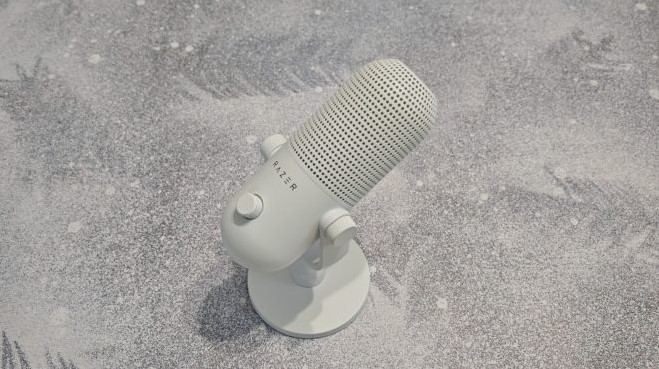
The Razer Seiren V3 Chroma’s base is weighted and wide, maintaining stability even under extreme table wobbles . The bottom of the base is covered with a soft, anti-slip material with small, convex feet that effectively dampen vibrations.
Connection and setup
Razer has made connecting the Seiren V3 Chroma as intuitive and user-friendly as possible. It uses a single interface : USB. Once connected to a PC, the microphone is immediately ready to use, and recording quality can be adjusted using Windows.
For detailed device configuration, you need to download the Razer Synapse 4 software hub. The application has three tabs:
Microphone – here you can adjust the recording volume, set the sampling rate, enable the high-pass filter, noise reduction, and other options. You can also customize the functions of the front control wheel and touch button.
Broadcast Mixer – This tab allows you to configure settings for available virtual channels for more flexible control: inputs and outputs, playback mix, and so on.
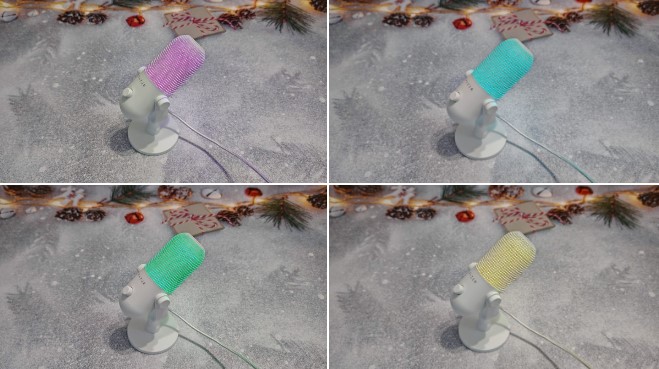
Backlight – everything related to the microphone backlight. You can set maximum brightness, enable the clip indicator, and activate the microphone and headphone volume indicators (the backlight changes color depending on the volume). You can also customize the zonal backlighting in the Chroma Studio module.
Although the model is generally ready to work out of the box, the app will not be superfluous, as it contains several useful options.
Impressions of use
The Razer Seiren V3 Chroma features a supercardioid condenser microphone with a narrow pickup pattern, effectively rejecting extraneous sounds and capturing only the user’s voice directly in front of it. In other words, the microphone will pick up your speech but ignore mouse clicks and keyboard sounds —or even background TV or traffic noise outside.
The voice sounds smooth and clear, thanks in part to the built-in digital gain limiter, which eliminates distortion caused by excessively loud sounds.
The touchscreen controls are intuitive and easy to use, and the backlight clearly indicates when recording is muted and the volume level is adjusted—a very practical feature. Bright and dynamic, the illumination is sure to attract viewers’ attention whether you’re streaming, hosting a video podcast, or recording a vlog.
Conclusion
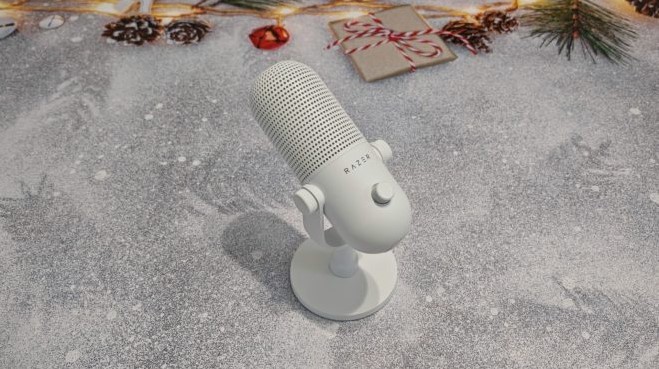
If you’re looking for a microphone that’s not only functional but also beautiful, the Razer Seiren V3 Chroma is the one for you.
The model is versatile and perfect for casual calls with friends , streaming, and video recording. You’ll surely appreciate the extensive customization options, beautiful RGB lighting, convenient controls, stable stand, and compatibility with third-party mounts. It’s difficult to find any drawbacks, but some include the lack of a pop filter and a hefty price tag. However, the final verdict is yours.
- Nice design and bright backlight
- Convenient and easy connection
- Intuitive connection
- Extensive customization options
- Stable stand
- No pop filter






