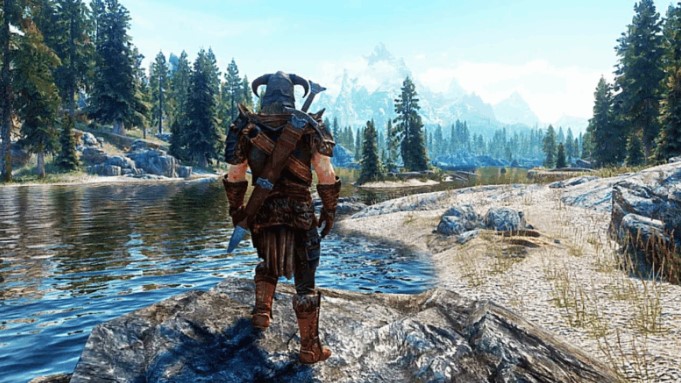
Oh, how I sometimes long to return to Skyrim to once again stroll the vast plains of Whiterun, the dense forests of Falkreath, and the snowy peaks of Winterhold! If you, too, are occasionally overcome by similar feelings, but don’t want to start that long cart ride for the hundredth time, you can always load your own or someone else’s save. But to do this, you first need to find the save folder for The Elder Scrolls V: Skyrim.
Regardless of whether you purchased Skyrim on Steam, EGS, GOG, the Microsoft Store , or simply downloaded a pirated copy, your saves will always be stored in this path:
- C:/Users/[Username]/Documents/My Games/Skyrim/Saves/
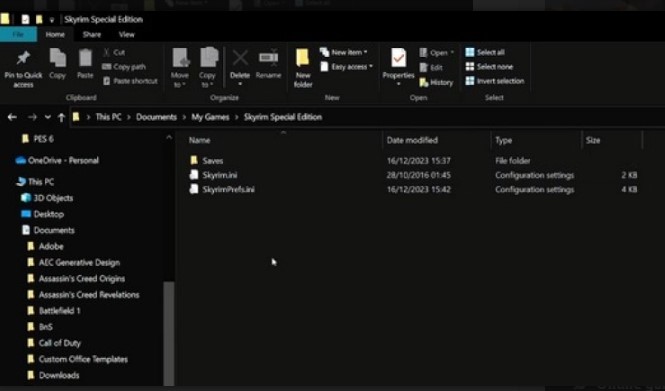
The only thing is that depending on the version (Special Edition, Legendary Edition, Anniversary Edition) the name of the game folder may differ slightly.
But anyone who wants to finish The Elder Scrolls V: Skyrim on the Steam Deck portable console , which runs on Linux , will have to look for the saves folder elsewhere:
- ~/.steam/steam/userdata/[Your Steam ID]/72850/
In this case, you may need your Steam account number. We’ve covered how to find it in detail in another guide.






