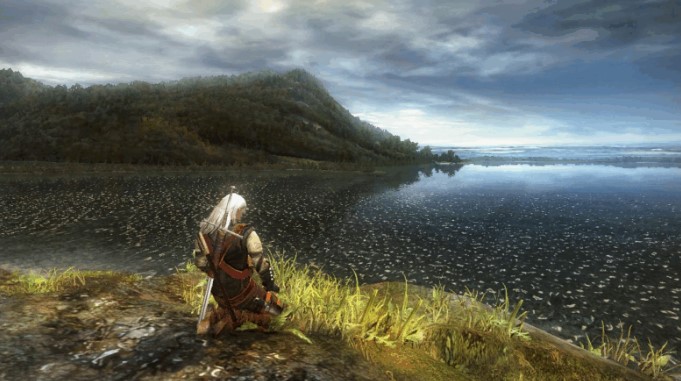
Today, The Witcher is one of the most popular fantasy universes, and the success of The Witcher 3 is widely considered the main reason for this, which is undeniable. But isn’t this a good reason to check out the first installment in the series, which began the adventures of monster hunter Geralt in the world of Slavic folklore? And if you’ve tried this before but abandoned the game, our guide will help you find old saves from The Witcher 1.
Due to the game’s venerable age, you’ll likely encounter a fair amount of difficulty during your playthrough, but this has its advantages. Back then, the developers didn’t try to show off and simply placed save files in your documents folder, so finding them on Steam and GOG versions , and even pirated copies, is quite easy:
- C:/Users/[Username]/Documents/The Witcher/saves/
The same applies to the Enhanced Edition and Director’s Cut versions.
But this only applies to the Windows operating system. If you’re playing on macOS or Linux , The Witcher saves will be stored here:
macOS:
- ~/Library/Application Support/com.cdprojektred.TheWitcher/GameDocuments/The Witcher/saves/
Linux:
- ~/.steam/steam/userdata/[Your Steam ID]/20900/
In the latter case, you may need your Steam account number. If you don’t know it, you can use the tips in our other guide.






